
01 — Browse
Shop as usual
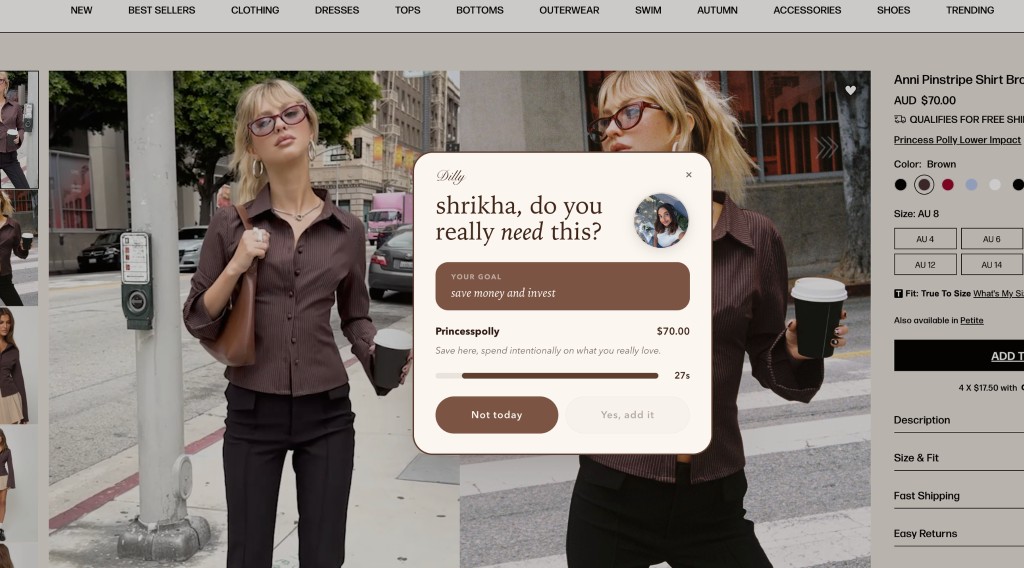
Shop normally until you add to cart. Browse normally. Dilly stays out of the way until you try to add to cart or buy.
Chrome extension
Dilly adds a short pause before add to cart so you stay on track with your money goals. When you try to add something to your cart, Dilly adds a short pause to help you stay on track with your money goals.
On the Chrome Web Store · Free · No account
Google Chrome extension is undergoing updates.
Why it exists
Urgency and one-click flows shrink the gap between impulse and order — especially when you’re tired. Timers, urgency copy, and one-click checkout are there to shorten the gap between impulse and order. That can work against you when you’re tired or distracted.
Dilly adds a short pause so your spending stays aligned with your money goals. Dilly adds a short pause right when you try to add to cart, so your spending stays aligned with your money goals.
Wait it out or tap “not today.” Both support your money goals. Wait it out and add the item, or tap “not today.” Either way, you make a choice that supports your money goals.
In the browser
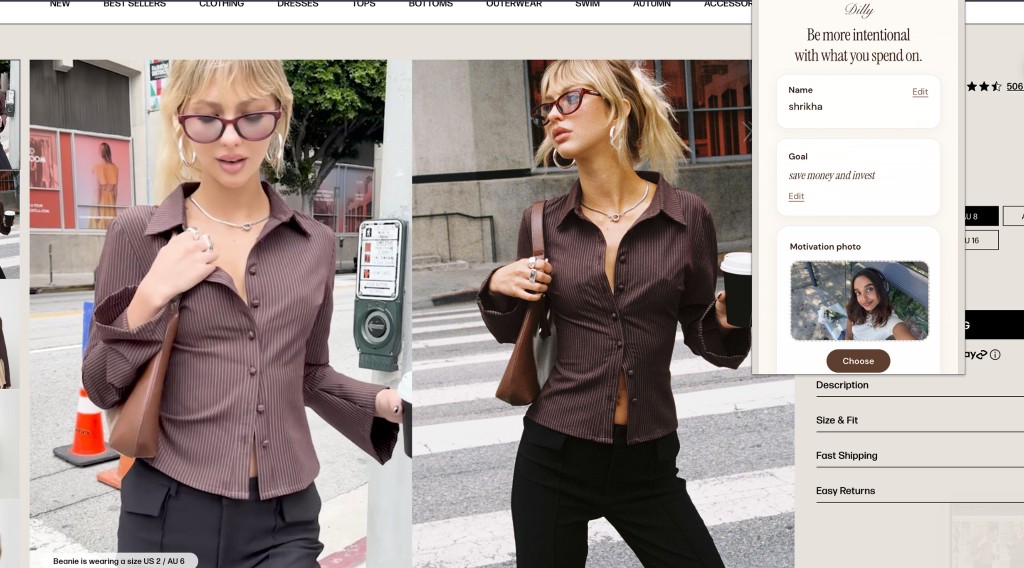
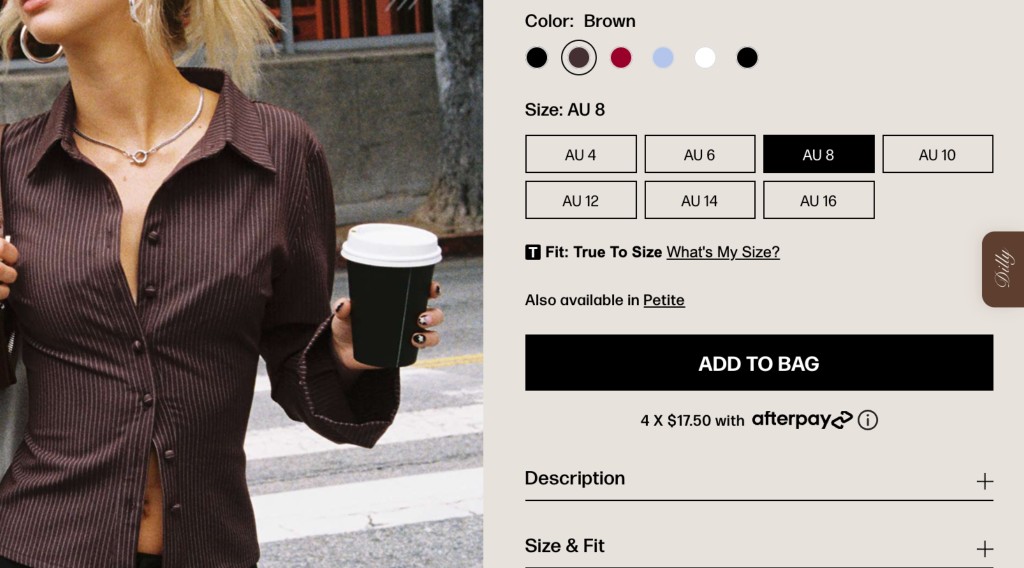
Side tab, overlay, settings — built for your money goals. Real captures on Princess Polly (online fashion retailer) — side tab, overlay, and settings built to support your money goals.
01 — Side tab
Side tabQuick settings from the page edge.Open settings and see your wins from the Dilly tab on the page edge.
The flow
Runs when you add to cart to protect your money goals. Dilly runs when you try to add something to your cart, so your money goals stay front and center.
01 — Browse
Shop normally until you add to cart. Browse normally. Dilly stays out of the way until you try to add to cart or buy.
02 — Pause
Timer overlay — start around 10s, longer in settings. A small overlay appears with a timer you set (often starting around 10 seconds; you can choose 30, 60, or more in settings).
03 — Decide
Checkout or walk away based on your money goals. When the timer ends, you decide: continue to checkout or walk away based on your money goals.
FAQ
Short answers. Quick answers about how Dilly fits into your shopping.
No. After the pause ends, you can add to bag or close the overlay. Dilly adds a moment to decide — it doesn’t block checkout.
No sign-up. Install Dilly from the Chrome Web Store like any extension and use it locally. Optional stats stay on your device.
Dilly is built for privacy-first use: nothing is synced to our servers for accounts you don’t have. Behaviour stays in your browser per Chrome’s extension model.
When you try to add something to your cart (or a similar step on supported sites). You can adjust thresholds and pause length in settings.
Yes — free to install. No in-app subscriptions pitched here.
Dilly is built for shopping sites where you add items to a cart or bag. It won’t run on every URL — it activates on supported checkout-style flows. If something doesn’t trigger yet, settings and updates over time can improve coverage.
Dilly is a Chrome desktop extension. It doesn’t run in mobile Safari or Chrome on phones the same way. Use it in Chrome on your computer.
Yes. You can adjust when pauses happen, how long they last, and use your browser’s extension controls to disable Dilly anytime — you stay in charge.
Get Dilly to stay on track with your money goals. Install Dilly from the Chrome Web Store to stay on track with your money goals.
Add to Chrome